Rating based on 303 Reviews
- Call : 800-257-9505
- Location
- Login
- Register

Book Appointment with Specialist
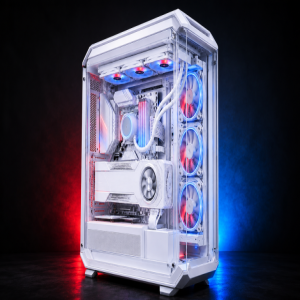
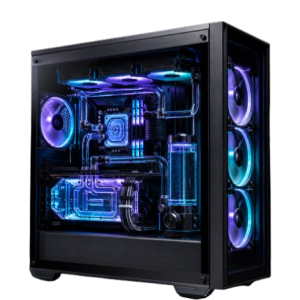
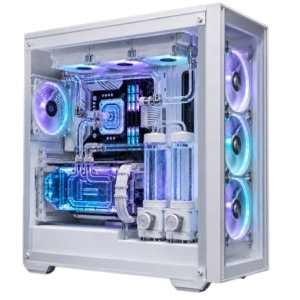
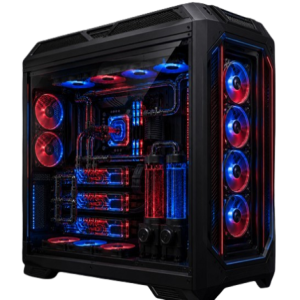
Build-to-order
Build Your Custom System
Tell us about yourself, then build your system. We'll check compatibility in real time as you configure. Need help or have questions?
- High Performance
- Premium Components
- Custom Cooling
- Built to Last
Live compatibility check
Compatibility Validation
Updates automatically as you answer linked questions.
What size computer case would you prefer? ↔ Which motherboard size do you prefer?
Awaiting selection
Which memory type do you prefer? ↔ Which memory speed do you prefer?
Awaiting selection
How Much Memory Do You Need? ↔ How would you like your memory configured?
Awaiting selection
What Processor/CPU type do you prefer? ↔ Which processor socket type do you need?
Awaiting selection
What Processor/CPU type do you prefer? ↔ Which processor series do you prefer?
Awaiting selection
Our Blog
Insights for Smarter PC Decisions
Explore helpful guides, hardware insights, buying advice, and the latest technology trends to help you make the most of your PC.
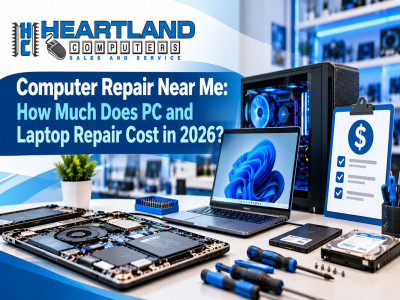
Computer Repair Near Me: How Much Does PC and Laptop Repair Cost in 2026?
Wondering how much computer or laptop repair costs in 2026? Discover the average prices for common repairs, including screen replacement, virus removal, hardware upgrades, and data recovery. Learn what affects repair costs and when it's better to repair or replace your device. **Heartland Computer** offers affordable, reliable PC and laptop repair services in Omaha, NE, and Council Bluffs, IA, backed by over 20 years of experience and a BBB A+ rating.
Read article →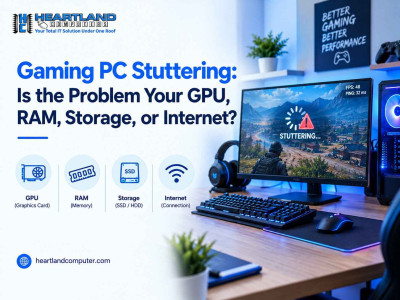
Gaming PC Stuttering: Is the Problem Your GPU, RAM, Storage, or Internet?
Your graphics card isn't always the problem. Limited RAM, sluggish or malfunctioning storage, out-of-date drivers, overheating, background apps, or an erratic internet connection can all cause stuttering. You can save time and money by determining the right reason before upgrading hardware.
Read article →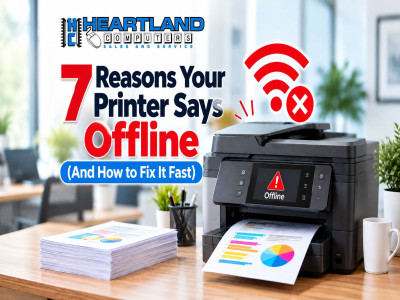
Printer Fix Near Me: 7 Reasons Your Printer Says Offline (And How to Fix It Fast)
Is your printer showing “Offline” even though it’s turned on and connected? Don’t let printer problems slow you down! Discover 7 common reasons your printer goes offline and learn quick, easy solutions to get it working again. From Wi-Fi connection issues and outdated drivers to incorrect printer settings, we’ll help you troubleshoot the problem. If you’re searching for “Printer Fix Near Me,” Heartland Computer offers professional printer troubleshooting and repair services in Omaha, NE, and Council Bluffs, IA. Visit www.heartlandcomputer.com for expert printer repair assistance!
Read article →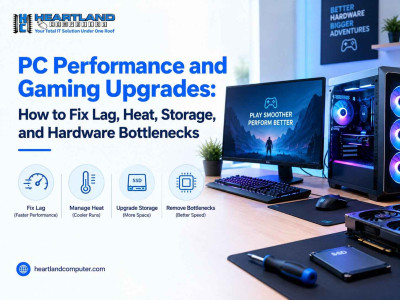
PC Performance and Gaming Upgrades: How to Fix Lag, Heat, Storage, and Hardware Bottlenecks
Gaming PC lagging, running hot, or slow to load? Before you buy new parts, find out what’s really holding it back. This guide walks you through quick bottleneck checks, the heat problems that mimic slow hardware, and which upgrades are worth it, plus when repair or a custom build makes more sense.
Read article →Our Partners



















Currently offline
Computer trouble? We'll fix it live — right on your screen.
Our technicians are currently offline, but help is only a phone call away. Contact us in our office hour.
Contact Us: 402-502-7040
We'll get back to you shortly