
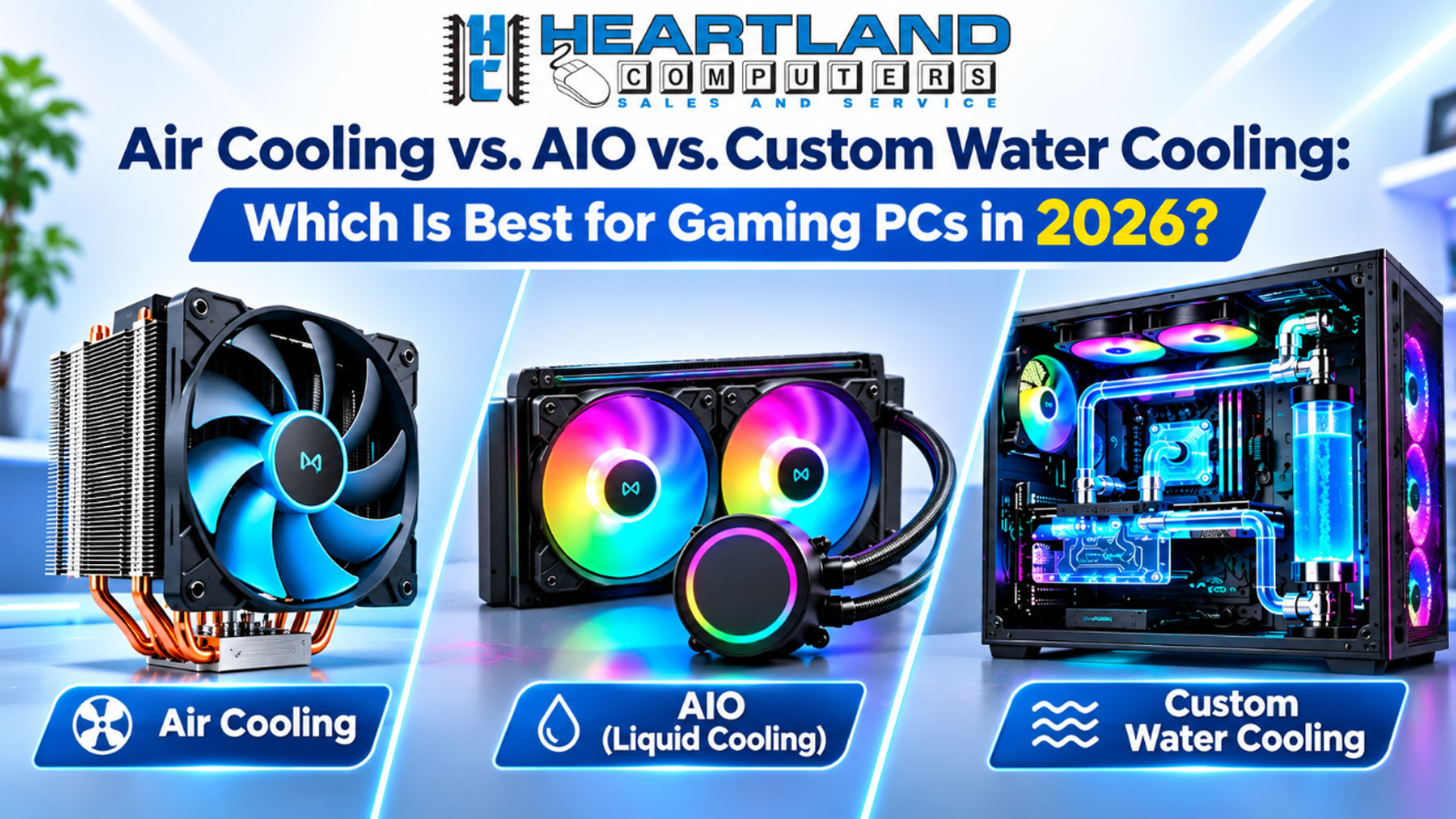

Choosing a cooler for a gaming PC can feel like a big decision. Air coolers, all-in-one liquid coolers, and custom water loops can all do the job, but they suit different builds and different owners.
For most gamers, a quality air cooler is a dependable, budget-friendly choice. An AIO can be a good fit for a compact case or a processor working hard for long periods. A custom loop offers a hands-on project and an impressive look, but it needs regular care.
Here’s a simple guide to help you choose with confidence.
Air cooling: simple, dependable, and easy to maintain
An air cooler moves heat away from the processor through a metal heatsink and fan. It has no pump, and regular care is usually limited to removing dust and checking that the fan is working properly.
For everyday gaming, air cooling is often all you need. Many mid-range and high-end processors can run well with a large air cooler, provided the cooler and case are a suitable match.
Benefits
- No pump to fail
- Typically lasts 10 to 15 years
- Low cost and simple maintenance
- A resilient option for everyday use and power interruptions
Trade-offs
- Large heatsinks may limit RAM clearance or case choice
- The look is usually less showy than liquid cooling
- Cooling capacity has a lower ceiling for extreme overclocking
If you want dependable cooling with little upkeep, air is a sensible place to start.

AIO liquid cooling: a compact, tidy alternative
An AIO, or all-in-one liquid cooler, circulates coolant through a sealed unit between a pump and radiator. It comes assembled, so you don’t have to build or maintain a custom loop.
An AIO can work well in a smaller case, with a high-wattage processor under sustained load, or when you want more room around the RAM and motherboard. Radiator placement and case airflow matter, so check your case’s supported radiator sizes before you buy.
Benefits
- Effective for high, sustained thermal loads
- Can suit smaller cases
- Cleaner appearance and easier access to RAM and motherboard
Trade-offs
- A pump can fail
- Typical lifespan is 3 to 7 years
- Still needs dust removal and temperature monitoring
- Poor radiator placement or airflow can reduce its effectiveness
An AIO isn’t maintenance-free. Keep the radiator clear of dust and pay attention to new pump noises or temperatures that rise without an obvious reason. If the pump fails, the cooler may need replacing.

Custom water cooling: performance and a project to maintain
A custom water loop is assembled from separate parts, such as a pump, reservoir, radiator, tubing, fittings, and water blocks. It can cool the CPU and GPU together, deliver peak performance and aesthetics, and run quietly under load when built well.
It also asks more of its owner. Custom loops require careful assembly and leak testing, followed by rigorous maintenance every 12 to 24 months. That work can include changing the fluid and cleaning the loop. It’s a time commitment many first-time builders underestimate.
Benefits
- Can cool both the processor and graphics card
- Offers peak performance and distinctive looks
- Can be quiet under load when properly designed
Trade-offs
- Significant cost
- Complex assembly and leak testing
- Regular maintenance is part of ownership
Choose a custom loop because you enjoy the build and are prepared to maintain it, not just because it looks impressive.

Quick comparison
| Factor | Air cooler | AIO liquid cooler | Custom water loop |
|---|---|---|---|
| Reliability | Strong; no pump to fail | Pump is a possible failure point | Depends on assembly and upkeep |
| Cost | Lowest | Higher than air | Highest |
| Performance ceiling | Enough for most gaming | Strong for sustained loads | Highest potential |
| Maintenance | Periodic dust removal | Dust removal and temperature monitoring | Fluid changes, cleaning, and leak testing every 12 to 24 months |
| Noise | Depends on fan and workload | Depends on pump, fans, and radiator | Can be quiet under load when built well |
| Typical lifespan | 10 to 15 years | 3 to 7 years | Depends on maintenance |
These are broad comparisons, not a guarantee for every model or system. A suitable cooler depends on your processor, case, room, and how you use the PC.

Which cooler should you choose?
- Budget gamer: Start with a quality air cooler. It is usually enough for gaming and leaves more of your budget for other parts.
- Small-case builder: Consider an AIO if your case supports the radiator size and layout you need.
- High-end enthusiast: An AIO may suit a high-wattage processor under sustained load. Choose a custom loop if you want a hands-on project and will keep up with maintenance.
- Quiet-build fan: Any cooler type can be quiet when matched with good airflow and appropriate fan settings. A custom loop can be quiet under load when designed well, while an air cooler avoids pump noise.
- First-time builder: Air cooling is a straightforward starting point. If you want liquid cooling, a preassembled AIO avoids the added assembly and maintenance of a custom loop.
Still unsure? Tell us your budget, processor, case, and what you play. We’ll help you compare options without unnecessary upselling.
The cooler is only part of the picture
The type of cooler matters, but these details affect temperatures too:
- Case airflow: Fans need a clear path to bring cool air in and move warm air out.
- Cooler size: A larger heatsink or radiator can help, but it must fit the case and leave room for other parts.
- Room temperature: A warm room gives the PC less cool air to work with.
- Thermal paste: Correct application helps transfer heat from the processor to the cooler.
- Dust buildup: Dust on filters, fans, or heatsinks can restrict airflow.
- Cable management: Tidy cables help keep airflow paths open.
Cooling also affects noise and long-term component health. If your PC is suddenly louder, runs unusually hot, slows down during games, or shuts off unexpectedly, it may need attention. Overheating can cause a system to reduce performance to manage heat. We can check the system and help you understand what’s going on.
Keep your gaming PC clean and running well
Regular cleaning helps fans and heatsinks move air as intended. Shut the PC down and unplug it before cleaning. If you’re not sure how to clean around sensitive parts, let a technician handle it.
We provide computer cleaning and optimization and free diagnostics and consultations. Maintenance plans include recurring system cleanings and infection scans:
- Silver: $149.50
- Gold: $299.00
- Platinum: $595.00
Contact us to confirm plan details and which option fits your needs.
Build the right PC for your games and budget
The cooler should fit the whole build, not the other way around. We design custom gaming PCs around your budget and requirements, including the case, power supply, gaming video card, processor, cooling system, SSD or hard drive, motherboard, memory, and, when needed, optical drive and audio components.
You can ask about a standard custom PC build with heatsink and fan cooling or a hydro-cooled gaming system. We’ll review your goals, plan the parts, and explain the choices clearly.
Request a custom build consultation or contact our team.
Local help when you need it
Heartland Computer is locally owned and serves gamers and families in Omaha and Council Bluffs. Our team brings more than 20 years of local experience, 50,000+ devices repaired, a 98% client satisfaction rate, and an A+ Better Business Bureau rating.
Call 402-502-7040 in Omaha or 712-256-8686 in Council Bluffs. We’ll help you choose a practical cooling setup, clean a dusty PC, or figure out why your gaming system is running hot. We make it simple.




















Join the conversation
Questions about this article? Ask below — our team reads every comment.