
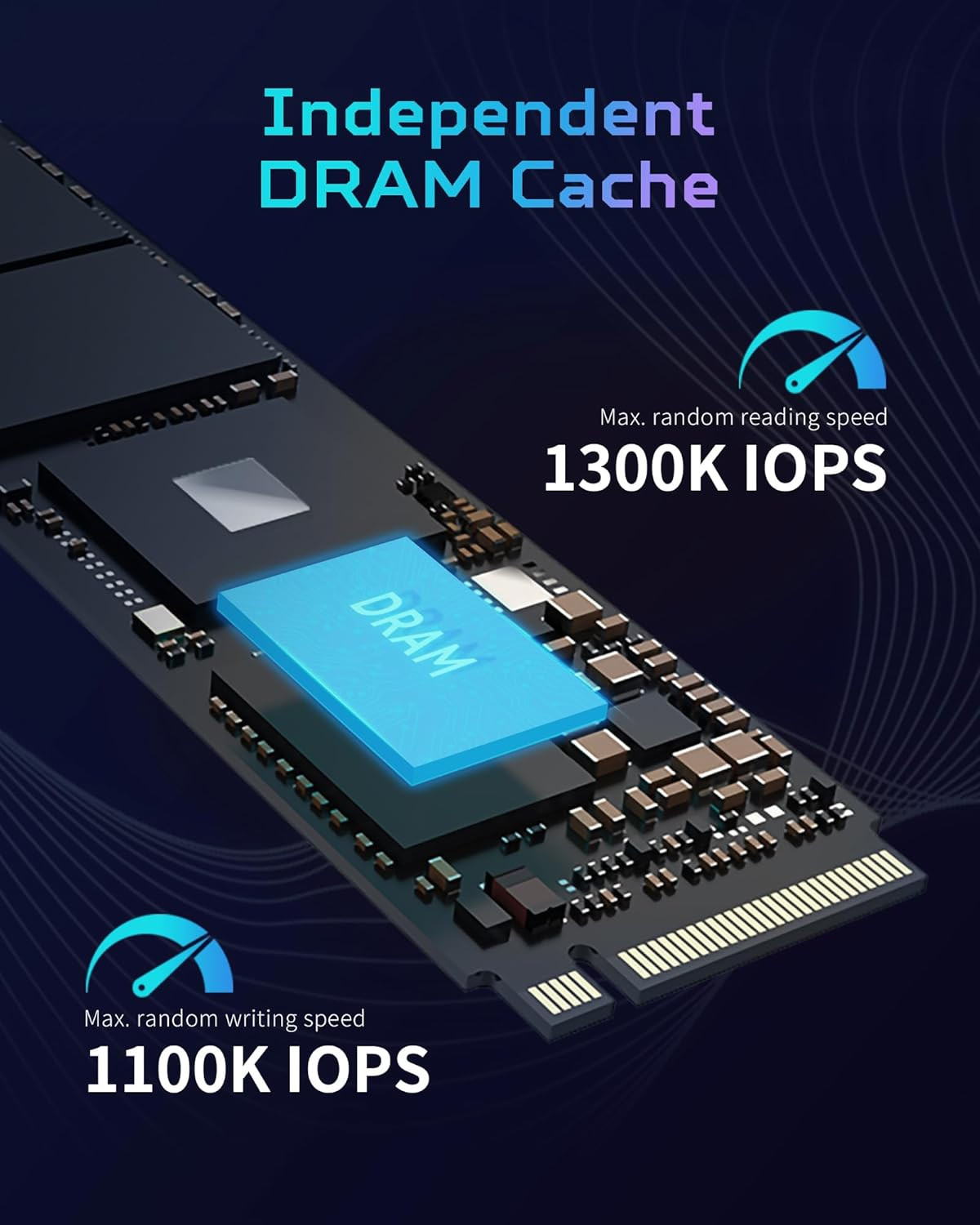
An M.2 SSD is a compact storage drive that uses either the SATA or NVMe interface. NVMe SSDs typically provide much faster performance than SATA M.2 drives, but the correct choice depends on your computer’s M.2 slot, supported interface, drive size, and upgrade requirements.
In recent years, M.2 SSDs have transformed storage in PCs and laptops. They’re faster, smaller, and more convenient than traditional hard drives (HDDs) and even 2.5-inch SATA SSDs. However, choosing the right M.2 SSD can be confusing, with multiple interfaces, protocols, and speeds available. This guide will break it all down so you can make the best choice.
What Is an M.2 SSD?
An M.2 SSD is a solid-state drive in a slim, stick-like form factor, designed to plug directly into a motherboard's M.2 slot. Unlike traditional SATA drives, M.2 drives don’t require separate data or power cables, making them ideal for compact builds or ultrabooks.
It’s important to note that M.2 only describes the physical size and shape. Speed and performance depend on the interface (SATA or PCIe) and the protocol (AHCI or NVMe). Understanding these differences is crucial for choosing the right drive.
Types of M.2 SSDs
1. M.2 SATA SSD
-
Interface: SATA III (6 Gbps)
-
Protocol: AHCI
-
Max Speed: ~550 MB/s read, ~520 MB/s write
-
Form Factor: Typically 2280 (22mm × 80mm)
-
Best For: Budget PCs, older laptops, everyday computing
Explanation:
M.2 SATA SSDs use the same interface as traditional 2.5-inch SATA drives, meaning their performance is limited by the SATA III standard. They’re still much faster than HDDs but significantly slower than NVMe SSDs.
Example Use Case:
Upgrading an older laptop for faster boot times, quick application launches, and reduced file transfer times.
2. M.2 NVMe SSD
-
Interface: PCIe (3.0, 4.0, 5.0)
-
Protocol: NVMe (Non-Volatile Memory Express)
-
Max Speeds:
-
PCIe 3.0 x4: ~3,500 MB/s
-
PCIe 4.0 x4: ~7,000 MB/s
-
PCIe 5.0 x4: ~13,000 MB/s
-
-
Best For: Gamers, content creators, power users
Explanation:
NVMe SSDs connect directly to the PCIe lanes on the motherboard, bypassing SATA bottlenecks. This provides dramatically faster data transfer speeds, lower latency, and better efficiency for heavy workloads.
Example Use Case:
Editing 4K video, running multiple virtual machines, or gaming with large open-world titles. NVMe SSDs can drastically reduce load times and improve responsiveness.
M.2 SSD Speed Comparison
| Type | Interface | Max Read Speed | Max Write Speed | Ideal For |
|---|---|---|---|---|
| M.2 SATA SSD | SATA III 6Gbps | ~550 MB/s | ~520 MB/s | Everyday computing, laptops |
| M.2 NVMe PCIe 3.0 | PCIe 3.0 x4 | ~3,500 MB/s | ~3,000 MB/s | Gaming, moderate workloads |
| M.2 NVMe PCIe 4.0 | PCIe 4.0 x4 | ~7,000 MB/s | ~6,500 MB/s | 4K video editing, heavy tasks |
| M.2 NVMe PCIe 5.0 | PCIe 5.0 x4 | ~13,000 MB/s | ~12,000 MB/s | Cutting-edge performance, future-proof |
Tip:
PCIe generation compatibility is crucial. Using a PCIe 4.0 SSD in a PCIe 3.0 slot will limit its speed to PCIe 3.0 levels. Always verify motherboard and CPU support before purchasing.
M.2 SSD Sizes and Key Configurations
M.2 drives come in different physical lengths, often described with four-digit numbers:
-
2230: 22mm wide, 30mm long
-
2242: 22mm × 42mm
-
2260: 22mm × 60mm
-
2280: 22mm × 80mm (most common)
-
22110: 22mm × 110mm
Key Types:
-
B-Key: Supports SATA or PCIe x2
-
M-Key: Supports PCIe x4 (NVMe)
-
B+M Key: Compatible with both but may limit lane usage
Example: A 2280 M-Key NVMe SSD is the most common for modern desktop PCs and high-performance laptops.
How to Choose the Right M.2 SSD
-
Check Compatibility: Ensure your motherboard supports the M.2 interface and PCIe generation you intend to use.
-
Match PCIe Generation: PCIe 4.0 or 5.0 SSDs only reach full speed on compatible motherboards and CPUs.
-
Budget Considerations: SATA M.2 drives are affordable and still fast; NVMe drives are pricier but deliver extreme performance.
-
Thermal Management: NVMe drives can generate heat under load. Consider motherboards with M.2 heatsinks or add thermal pads.
-
Capacity Needs: SSDs range from 250GB to 4TB+. Consider your storage needs alongside speed and budget.
Real-World Performance Example
-
Boot Time: Windows 10 on M.2 NVMe PCIe 4.0 → ~10-12 seconds
-
Game Load Time: AAA game ~3-5 seconds faster than SATA SSD
-
File Transfer: 50GB video project moves in ~10-12 seconds on PCIe 4.0 vs ~40-45 seconds on SATA
These performance differences matter most for professionals and gamers working with large files or high-speed applications.
Final Thoughts
M.2 SSDs have redefined PC storage, offering compact form factors, high performance, and future-proofing.
-
Budget/older systems: M.2 SATA SSD
-
High performance/gaming/content creation: M.2 NVMe SSD (PCIe 3.0, 4.0, or 5.0)
With PCIe 5.0 and upcoming technologies, SSD speeds will continue to increase, leaving older HDDs and even SATA SSDs behind.
Ready to upgrade your storage?
Get a fast, compatible M.2 SSD installed and configured by Heartland’s experts, so you see the real-world speed gains (faster boots, quicker loads, smoother edits) without the guesswork.
• Free compatibility check for your motherboard/laptop
• On-site or remote install with OS & driver setup
• Data migration from your old drive (HDD/SSD) included
Book Your M.2 SSD Upgrade Now →



















Join the conversation
Questions about this article? Ask below — our team reads every comment.