
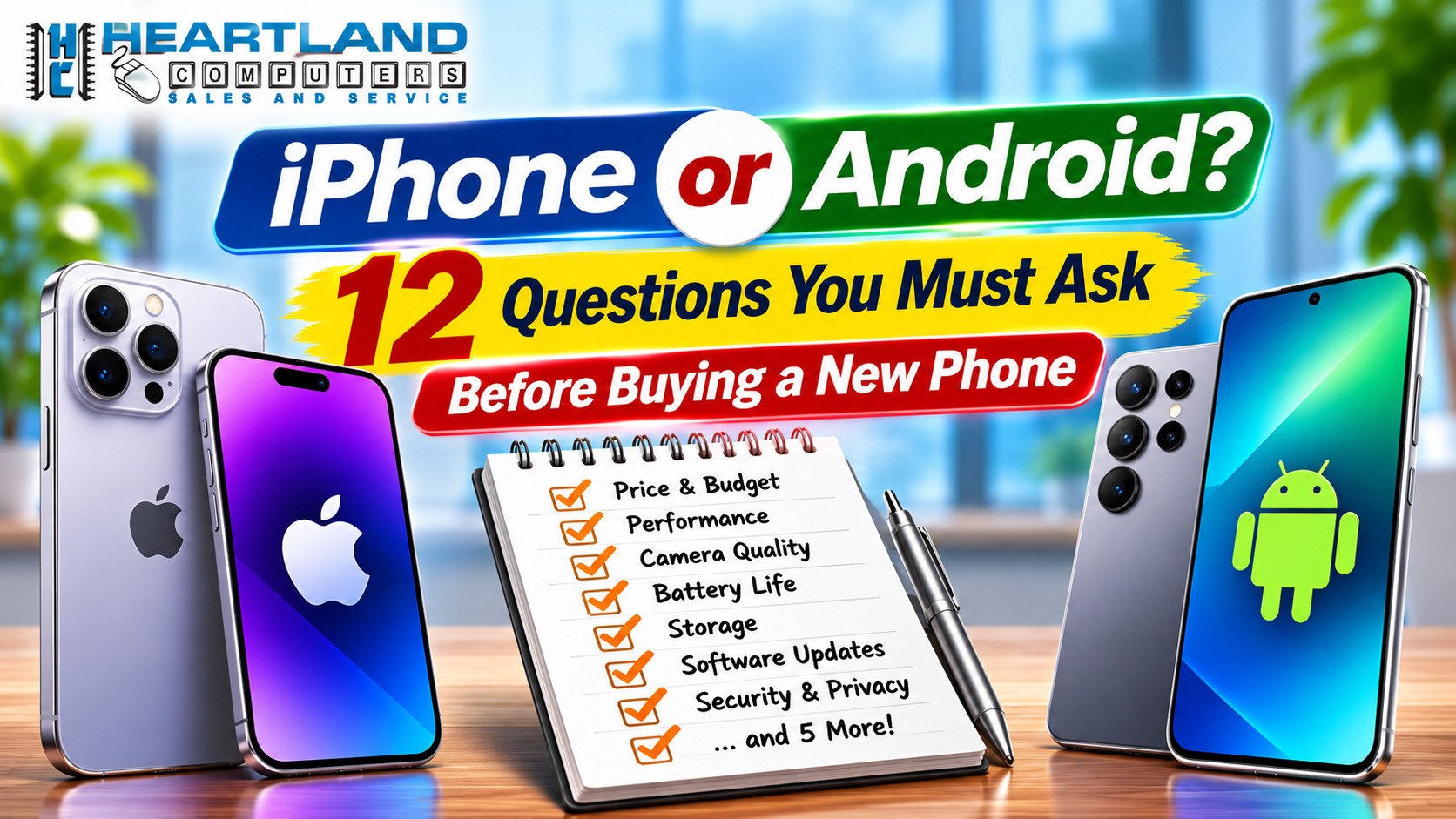

Choosing between iPhone and Android is about more than the camera or the latest features. Your budget, family, work apps, carrier, and other devices all matter. Before you buy, use these 12 questions to compare the exact models you are considering. A few checks now can save you time and frustration later.
1. How long will this phone get software and security updates?
Updates add features, fix problems, and help protect your phone when you use banking, email, and other important accounts. Apple supports iPhones for many years. Google publishes update commitments for Pixel models, and its seven-year commitment applies to eligible Pixel 8 and later models. Samsung’s support period varies by model, although selected recent devices have extended commitments.
What to check: Look up the manufacturer’s support policy for the exact model and compare the end date with how long you expect to keep the phone. Don’t assume every phone from one brand gets the same support.
2. Does it work with the people and devices I already own?
Think about your household’s group chats, shared photo albums, video calls, and wearables. FaceTime and Apple’s device sharing features work most smoothly within Apple’s ecosystem. Android phones offer Google Meet and a range of compatible devices. Cross-platform messaging has improved with RCS on supported phones and carriers, but features can still differ.
What to check: List the devices and services you use now, including your smartwatch, tablet, and family photo-sharing setup. Confirm the new phone can work with them the way you expect. For sharing files, compare AirDrop with Android’s Quick Share, formerly called Nearby Share.
3. What will it cost over the years, not just on day one?
The advertised price is only part of your total. Add a case, screen protector, charger if needed, insurance, and possible service fees. Also consider resale value. iPhones often retain resale value well, while Android phones span a much wider range, from lower-cost models to premium devices.
What to check: Compare the full cost of ownership for the models you’re considering, including what you may get back if you sell or trade in the phone later. Look at the actual terms, not just the monthly payment.

4. How much storage do I actually need?
Photos, video, apps, and offline maps can use more space over time. Cloud storage can help, but it does not replace local storage when you are offline or using a capped data plan. Some phones also do not support expandable storage.
What to check: Review how much storage your current phone uses. If you record lots of video, download music, or keep maps available offline, choose a model with enough built-in capacity for those habits.
5. How good is the battery, and can it be replaced later?
Battery life depends on more than the battery’s capacity. Screen size and brightness, apps, software, and cellular signal all affect how long a phone lasts between charges. Battery health also declines with use, so replacement options matter if you plan to keep the phone for years.
What to check: Read reviews that test real-world battery use, then ask what a battery replacement costs for that specific model and where it can be serviced.
6. What will a screen repair cost me?
A cracked screen can happen to anyone. Repair prices vary widely by model and by the parts available for it. A phone that costs less upfront may still be costly to repair, so it is worth checking before you buy.
What to check: Ask a local repair shop for a quote on the exact model, and compare that with your insurance deductible and coverage terms. Heartland Computer provides iPhone repair and smartphone repair in the Omaha and Council Bluffs area.
7. Do I want the freedom of an unlocked phone?
An unlocked phone can make it easier to switch carriers. But “unlocked” does not automatically mean it will work with every carrier. Compatibility can depend on network bands, the exact phone model, and whether you need a physical SIM, eSIM, or both.
What to check: Confirm the exact model number with your carrier before buying. Ask whether it supports your carrier’s network and whether the SIM setup fits your needs.

8. How much do I care about customization and choice of hardware?
Android gives you more variety in phone sizes, designs, price points, and home-screen customization. iPhone offers a smaller model lineup and a more consistent experience across Apple devices. Neither approach is automatically better. It depends on whether you prefer choice or simplicity.
What to check: Decide which matters more to you: choosing from a wide selection of hardware and settings, or having a streamlined experience that fits closely with other Apple products you own.
9. Which apps do I actually need?
Most popular apps are available on both platforms, but some specialized, business, or industry apps may work better on one system or arrive there first. If your phone supports work, school, or a small business, app compatibility is important.
What to check: Write down the apps you rely on, including work logins, school tools, payment apps, and any accessories that require a companion app. Check the app store for the exact phone platform before committing.
10. How well does it fit my hands, eyes, and daily habits?
A phone can have excellent specifications and still feel awkward to use. Screen size, weight, button placement, text readability, and case thickness all affect comfort. Accessibility settings can also make a big difference, especially if you prefer larger text or screen magnification.
What to check: Hold the phone in person. Try one-handed use, increase the text size, and see how it feels with a case. Check whether it fits comfortably in your pocket or bag.
11. What is the return policy, and what are the carrier promotion strings?
A return window gives you a chance to make sure the phone works for you. Carrier deals can be more complicated. A “free” phone may involve installments and monthly bill credits over several years. If you leave early or change plans, you may lose remaining credits or owe a balance.
What to check: Read the return window and any restocking fee before you buy. Ask the carrier to explain the full promotion in writing, including the installment term, eligible plan, trade-in requirements, and what happens if you switch carriers.
12. Who will help me if something goes wrong?
Consider repair options, warranty support, help transferring your data, and who you can call with questions after purchase. Having dependable support nearby can matter more than a small difference in a camera specification.
What to check: Find out where the phone can be repaired locally and who can help with setup or backup. Heartland Computer has served the Omaha and Council Bluffs community for more than 20 years, with 50,000+ devices repaired, a 98% client satisfaction rate, and an A+ BBB rating. We offer friendly, personalized assistance and free diagnostics and consultations.
If you are switching platforms
Make a backup before you move anything. Then transfer your contacts and photos carefully, and confirm that important files have arrived on the new phone before erasing the old one. Our data backup and recovery services can help if you need guidance.
Messaging may feel different when you switch between iPhone and Android. iMessage is Apple’s messaging service, while RCS is available for cross-platform conversations on supported devices and carriers. Check your group chats and messaging settings after moving. Also review how your Google account or Apple account stores photos, contacts, calendars, and notes.
Give yourself about a week to get used to the new layout and settings. A different phone can feel unfamiliar at first. If you want help getting set up, we offer one-on-one technology training.

The short verdict
There is no universally better platform. iPhone may suit you if you want a consistent experience, long support, and close integration with other Apple devices. Android may suit you if you want more hardware and price choices, deeper customization, and more options at lower price points.
The right phone is the one that fits your apps, your budget, and the people you talk to. If you want a hand comparing models or setting up your new phone, contact Heartland Computer. Call us in Omaha at 402-502-7040 or Council Bluffs at 712-256-8686. We’re here to make the next step simple.



















Join the conversation