Rating based on 303 Reviews
- Call : 800-257-9505
- Location
- Login
- Register

Overheating & Fan Repair
3 Step 3 of 3 · Almost done
Book this repair
Schedule your repair
Review the repair details below, then pick a time that works for you.
Price
Contact us for more detail.
Estimated time
Vary
Warranty
90 Days
About this repair
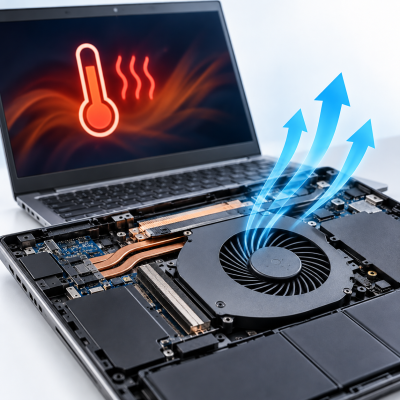
Overheating and loud fan noise are often caused by dust buildup, worn fans, blocked vents, or dried thermal paste. Our technicians inspect and clean the internal cooling system, replace damaged fans when necessary, and reapply thermal paste to improve heat dissipation. We test the system under load to ensure proper cooling, quieter operation, and stable performance.
Our overheating evaluation may include:
- Processor and graphics temperature monitoring
- Fan-speed and airflow testing
- Cooling-vent and heat-sink inspection
- Internal dust and debris inspection
- Fan bearing and connector evaluation
- Thermal-paste and thermal-pad assessment
- Processor and graphics-load testing
- Power-setting and startup-program review
- BIOS, firmware, and driver evaluation
- Malware and unwanted-software inspection
- Battery and charging-system temperature checks
- Inspection for liquid or physical damage
Schedule your appointment
Fields marked * are required. It only takes a minute.
Our Partners



















Technicians online now
Computer trouble? We'll fix it live — right on your screen.
Connect with a technician in minutes for a secure remote session. No appointment, no waiting room, no jargon — just your problem, solved.
Request Remote Support Now
Secure connection · Powered by AnyDesk