Rating based on 303 Reviews
- Call : 800-257-9505
- Location
- Login
- Register

BIOS, UEFI and Firmware Evaluation
3 Step 3 of 3 · Almost done
Book this repair
Schedule your repair
Review the repair details below, then pick a time that works for you.
Price
Contact us for more detail.
Estimated time
Vary
Warranty
Contact us for more detail.
About this repair
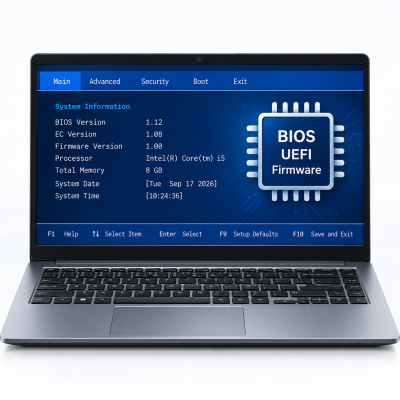
BIOS, UEFI, and firmware control how a laptop starts, recognizes its hardware, manages certain security features, and communicates with the operating system. Heartland Computer evaluates your laptop’s current firmware and determines whether an update is necessary to resolve a specific problem or support a planned upgrade.
Firmware services may include:
- BIOS and UEFI version evaluation
- Manufacturer-supported BIOS or UEFI updates
- Firmware compatibility checks
- SSD firmware updates
- Docking-station and peripheral firmware updates
- Battery, charging, and embedded-controller updates when supported
- Boot and hardware-detection troubleshooting
- BIOS setting configuration
- Recovery evaluation following certain failed updates
- Firmware requirements for hardware or operating-system upgrades
Firmware should not be updated without a valid reason. Installing an incorrect version, losing power during installation, or interrupting the process can cause the laptop to malfunction or stop starting.
Before performing an update, our technicians verify the exact laptop model, serial or service information, current firmware version, manufacturer instructions, power stability, and compatibility. Updates are recommended when they address a documented security concern, stability problem, hardware-compatibility issue, or manufacturer requirement.
Schedule your appointment
Fields marked * are required. It only takes a minute.
Our Partners



















Currently offline
Computer trouble? We'll fix it live — right on your screen.
Our technicians are currently offline, but help is only a phone call away. Contact us in our office hour.
Contact Us: 402-502-7040
We'll get back to you shortly