
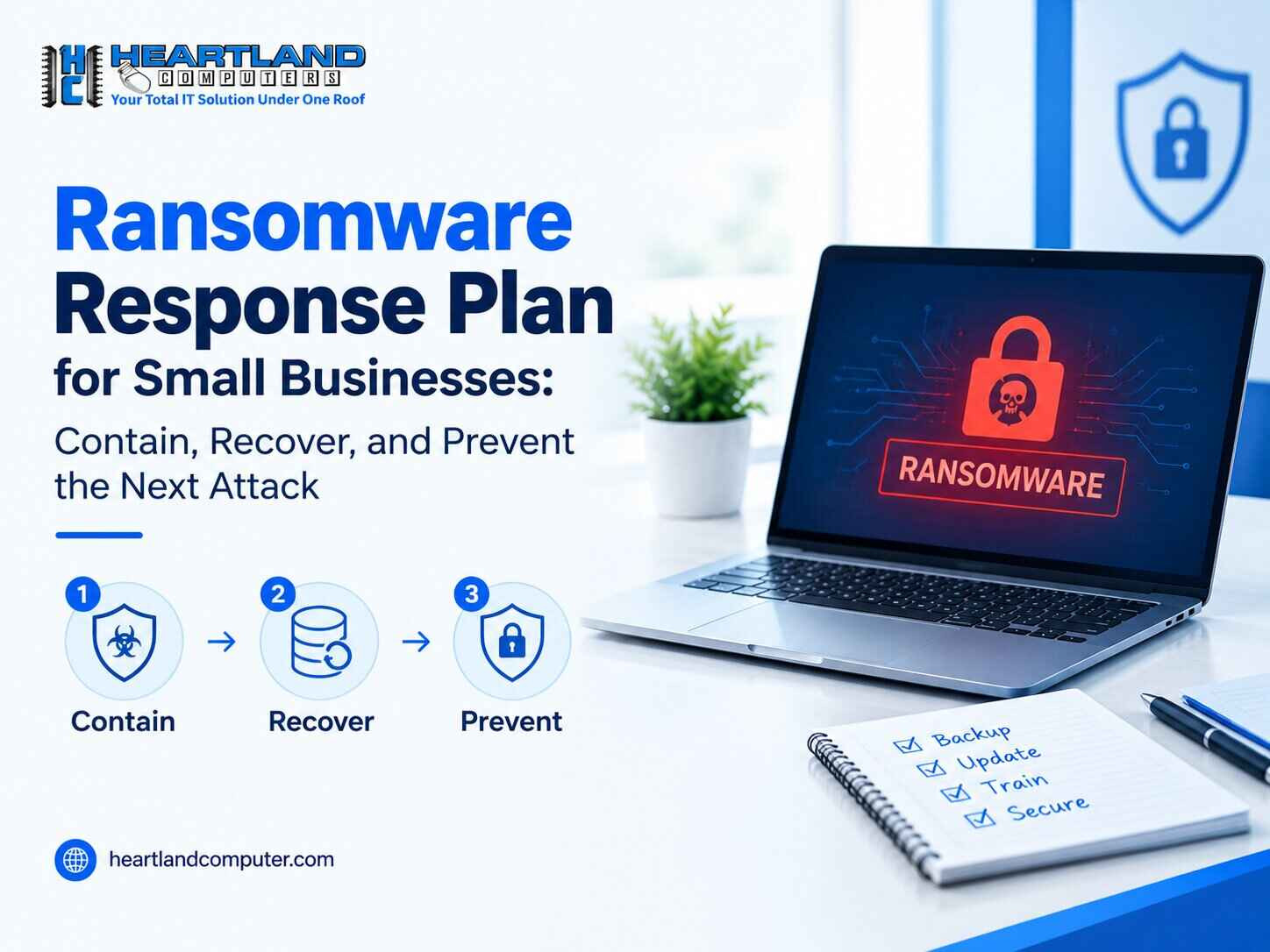
An employee opens an attachment. A shared folder stops responding. QuickBooks is suddenly unable to access its corporate information. Minutes later, filenames alter, documents won't open, and a ransom note arrives. A ransomware response plan for small enterprises should start with a single goal: prevent the situation from spreading.
Panic is less important than making quick, controlled decisions. Do not delete files, reinstall Windows, or reconnect backups to "see if they work." First, consider the affected systems. Then determine what was touched, safeguard accounts and backups, and recover in a controlled manner. After operations have stabilized, address any gaps that facilitated the attack or escalated the damage.
For a small workplace in Omaha, Council Bluffs, or a nearby Nebraska or Iowa community, those initial judgments can determine whether one affected laptop remains isolated or the event spreads to shared files, payroll, customer records, and other corporate systems.
Warning Signs Without Spreading the Damage
Ransomware might result in odd file extensions, renamed files, ransom notes, documents that won't open, or shared drives that suddenly become unavailable. You may also notice disabled security tools, unusual login activity, or a sudden increase in file changes.
These indications do not necessarily indicate the specific ransomware strain, and some may be caused by other factors. They still require rapid containment while a skilled IT or security professional investigates.
Step 1: Contain the Incident Immediately
The goal is to stop an infected device from reaching shared drives, servers, cloud-synced folders, and other computers.
- Disconnect affected devices from Wi-Fi and Ethernet. Remove the network cable and disable Wi-Fi if you can do so safely.
- Keep the device available. Do not delete files, reinstall the operating system, run random cleanup tools, or begin restoration.
- Protect connected backups and storage. Do this under the direction of the person responsible for IT or a qualified security provider.
- Notify your IT contact or provider immediately. Share when the problem started and what employees observed.
- Pause use of shared systems if the scope is unclear. Continuing normal activity can complicate containment.
Do Not Do This
- Do not pay or communicate with attackers without appropriate technical, legal, insurance, and other professional guidance.
- Do not wipe or reimage every device immediately.
- Do not assume only one computer is affected.
- Do not restore from a backup until it has been checked.
Containment is the first practical step in a ransomware response plan because recovery cannot be guaranteed while the attack is still operational.
Step 2: Document What Happened and Identify What Is Affected
Keep track of when the symptoms appeared and who was the first to notice. Take screenshots of ransom letters, problem messages, strange login prompts, and security alarms.
List all affected or possibly affected devices, user accounts, shared folders, servers, programs, email systems, cloud accounts, and remote access tools. Take note of recent phishing emails, strange downloads, unexpected MFA requests, and sign-in alerts.
Determine whether customer, employee, payment, health, or other sensitive information has been accessed or copied. Ransomware occurrences can involve both data theft and encryption. Qualified responders may be required to preserve system evidence prior to making large adjustments.
Step 3: Protect Accounts, Backups, and Critical Business Systems
Ransomware attacks can involve stolen passwords, compromised administrator credentials, or active login sessions. Credential updates should be coordinated through the appropriate IT process, rather than being made at random from possibly infected devices.
Your responder may need to reset credentials, terminate suspicious sessions, investigate administrator accounts, and examine remote-access tools. Backup systems also require attention. A backup created using the same credentials or network path as the impacted systems may be exposed.
Cloud synchronization is not the same as a protected backup. Heartland Computer’s article on cloud storage vs. backup for small businesses explains why separate recovery copies matter.
Next, identify the systems the business needs most: payroll, billing, point-of-sale, scheduling, customer communications, inventory, QuickBooks, or other line-of-business software.
- Recovery Point Objective (RPO): how much recent data the business can afford to lose.
- Recovery Time Objective (RTO): how long the business can operate before a system must be restored.
These priorities should guide the recovery order.
Step 4: Recover in the Right Order, Not the Fastest-Looking Order
Ransomware recovery for a small firm requires more than just turning computers back on. Before restoration, the environment should be evaluated, the potential compromise path handled, and backup copies examined for accessibility, completeness, and contamination.
A completed backup job does not prove the backup is usable. Test restored files and applications before reconnecting users, and monitor systems after they return to service.
For a 10-person office, a recovery order might be:
- Identity, email, and administrator access
- Security tools and essential network access
- Accounting, customer, or operational systems
- Shared files
- Individual employee workstations and laptops
This is only an example. Recovery priorities should match the business’s actual operations.
If storage devices are encrypted or inaccessible, the question of whether data can be recovered from an encrypted hard drive may require professional evaluation rather than trial-and-error recovery attempts.
Step 5: Communicate, Report, and Get the Right Help
Inform staff about what is known, which systems are unavailable, what they should avoid using, and how updates will be distributed. Keep incident notes and important communications.
If the organization has cyber insurance, review the policy and follow the notification procedures. Legal, privacy, regulatory, and law-enforcement obligations may differ depending on the organization, data involved, policy terms, and applicable rules. Legal, insurance, and security professionals should help determine what applies.
Businesses in Omaha and Council Bluffs can use Heartland Computer’s IT and computer repair services for help assess affected devices, data backup and recovery needs, networking issues, and other IT problems.
Preventing the Next Attack: A Small-Business Ransomware Defense Plan
Recovery should lead to prevention. Layered controls reduce both the chance of compromise and the damage if one occurs.
- Maintain multiple backup copies, including an offline or isolated copy. Ransomware cannot encrypt a backup it cannot reach.
- Test restoration regularly. A backup is useful only if it can be restored.
- Use MFA for email, cloud platforms, remote access, and administrator accounts. This adds another barrier when a password is stolen.
- Apply operating-system, browser, and application updates promptly. Patching closes known vulnerabilities.
- Use reputable endpoint protection and review alerts. Detection can help limit spread.
- Limit administrator access. Fewer privileged accounts reduce the attacker’s reach.
- Segment networks and restrict unnecessary shared-folder access. One workstation should not automatically reach everything.
- Train employees to spot phishing and suspicious login prompts. Many incidents begin with a deceptive message or credential request.
- Create and rehearse an incident-response plan. Employees should know who to call and what to disconnect.
For a broader review, use Heartland Computer’s small-business cybersecurity checklist. Employees should also understand that security-looking software can itself be malicious; this overview of fake antivirus and VPN apps that can install malware is a useful training resource.
Build a Ransomware Response Plan for Small Businesses Before You Need One
Keep a short-written plan somewhere employees can access even if normal systems are unavailable. It should answer:
- Who makes the first containment decision?
- Who contacts IT support, management, insurance, and other advisers?
- Which systems are most critical?
- Where are backup details and recovery instructions securely documented?
- How will employees be notified if email or chat is unavailable?
- When was the last successful restoration test?
Review the plan after major staffing, software, network, or backup changes. It should reflect how the business operates.
Ransomware Response FAQs
What should a small business do first after a ransomware attack?
Isolate affected systems from the network as quickly as practical. Disconnect Ethernet and Wi-Fi, keep the devices available for investigation, and contact the person responsible for IT or a qualified provider. Do not start deleting files or restoring backups. The first objective is to limit spread and understand the scope before making major changes.
Should a business turn off an infected computer after ransomware?
Do not automatically power off every affected computer. First disconnect it from the network and get guidance from the responsible IT or security professional. Depending on the incident, responders may want the device preserved in its current state for evidence or analysis. If isolation cannot be achieved safely, the responder may recommend additional steps.
Can ransomware-encrypted files be recovered from backups?
Possibly, if clean and usable backup copies exist. The backup should be checked before restoration because ransomware may have reached connected storage, synchronized folders, or older backup sets. Recovery should also begin only after the affected environment is considered safe enough to reduce the risk of immediate reinfection or re-encryption.
How can a small business reduce ransomware risk?
Use multi-factor authentication, patch systems, limit administrator privileges, keep segregated backups, test restoration, implement credible endpoint protection, and teach personnel to spot phishing attempts. Network segmentation and a well-rehearsed incident response plan can also help to mitigate harm. Because no single control can completely remove the risk of ransomware, protection should be layer-based.
Need Help with a Ransomware Incident in Omaha or Council Bluffs?
Contain first, safeguard the data you still have, and then recover in a controlled manner. If your company is struggling with suspected ransomware, encrypted information, inaccessible backups, or affected workstations, Heartland Computer can examine the technical issues and assist with repair, data recovery, backup planning, networking, and continuing IT requirements.
For small business IT support in Omaha or Council Bluffs, call the appropriate local office or contact Heartland Computer through the website. Avoid making destructive changes to affected systems before the incident has been assessed.
Sources
- https://www.isaca.org/credentialing/cisa
- https://www.nist.gov/publications/nist-ir-8374r1-ransomware-risk-management-cybersecurity-framework-20-community-profile
Disclaimer: This article provides general cybersecurity and IT information for small businesses. It is not legal, insurance, regulatory, forensic, or incident-specific advice. Ransomware incidents vary, and decisions involving evidence preservation, breach notification, insurance, law-enforcement reporting, ransom demands, or system restoration should be evaluated with qualified IT/security professionals and, where appropriate, legal and insurance advisers.



















Join the conversation
Questions about this article? Ask below — our team reads every comment.