
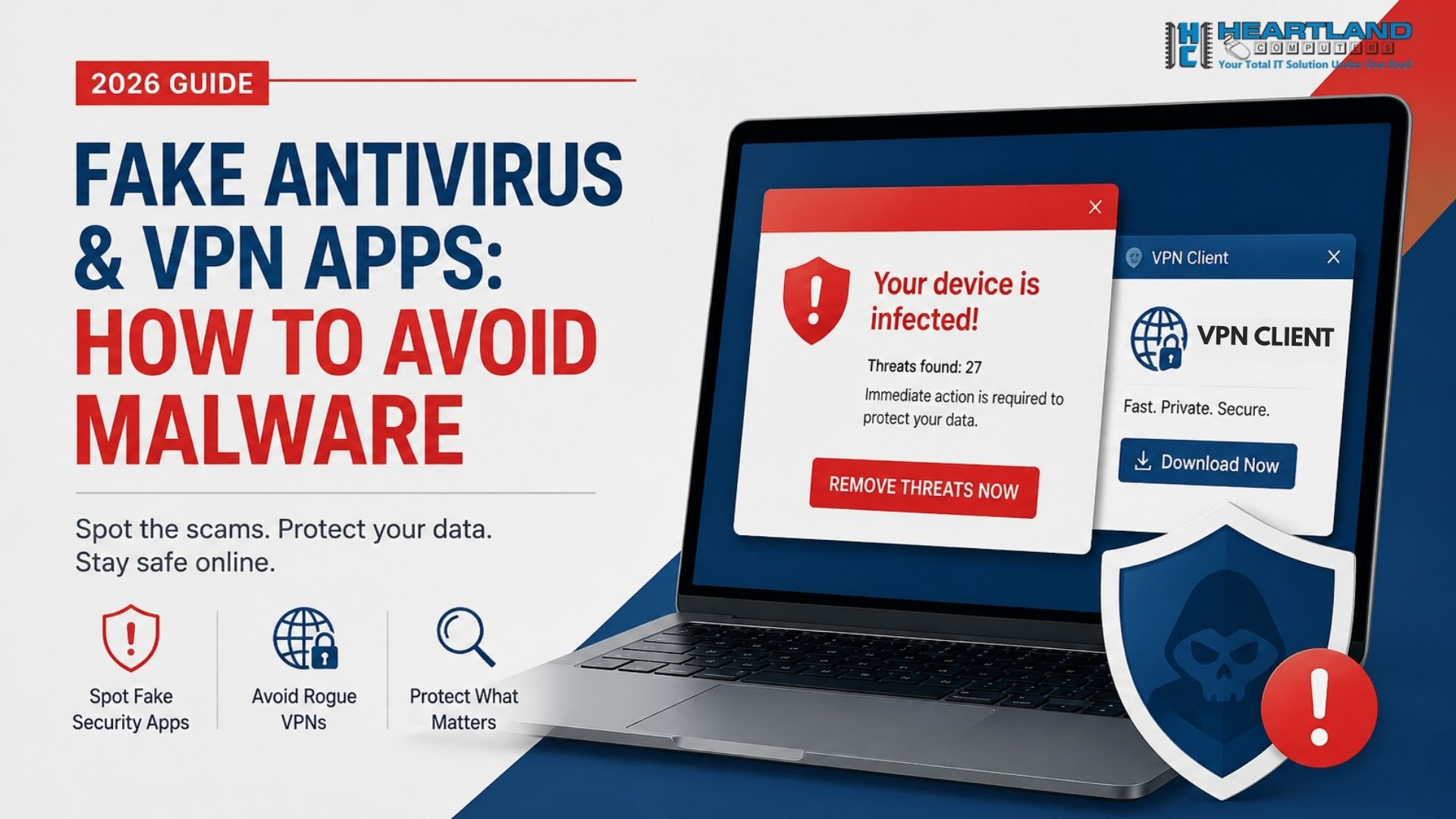
Attackers no longer use sloppy pop-ups with lousy grammar. They create convincing counterfeit pages, buy top search positions using SEO poisoning, and even digitally sign their virus to bypass Windows security warnings. As a result, consumers looking for legitimate security end up installing exactly what they were seeking to avoid.
This article explains how these scams work, how to identify malware disguised as antivirus, and what to do if you've already installed anything questionable. Finally, you'll understand how to safeguard any device in your home or business, beginning today.
Key Takeaways
• Scammers use SEO poisoning to promote fraudulent download URLs over legitimate vendor sites, leading to the widespread distribution of fake VPN software.
• Scareware, often known as rogue antivirus software, uses false scan findings and urgent warnings to coerce users into purchasing unnecessary or hazardous "protection."
• Genuine antivirus notifications do not show as full-screen browser pop-ups or require urgent payment via a countdown timer.
• Installing a bogus VPN or antivirus can result in password theft, bank account drain, or attacker control of the device.
Why Fake Security Apps Are Exploding in 2026
Security software has a built-in advantage for scammers: people install it because they're afraid. Fear makes users click faster and think slower, which is exactly what attackers count on.
In early 2026, Microsoft Defender Experts discovered Storm-2561, a large-scale effort that leveraged SEO poisoning to distribute trojanized VPN clients imitating businesses such as Fortinet, SonicWall, Ivanti, and Check Point. The bogus installers were digitally signed, allowing them to avoid many of the security alerts that would otherwise alert a user to a problem.
Around the same time, Barracuda researchers followed a different scareware campaign known as CypherLoc, which targeted an estimated 2.8 million users with phony virus warnings intended to trick victims into phoning fraudulent tech support lines. These aren't marginal frauds anymore; they're organized, well-funded, and ever-changing.
How Fake Antivirus Apps Trick You
Fake antivirus apps, also called rogue antivirus software or scareware, follow a predictable playbook even as the visuals get more polished:
- A dramatic warning appears, often in your browser, claiming your device is infected with dozens of viruses.
- A fake "scan" runs instantly real antivirus software never completes a full scan in two seconds.
- You're pressured to act now, usually with a countdown timer or a warning that your files will be deleted.
- You're asked to pay, call a number, or download software to "fix" the problem.
The malware is actually contained in the download. Instead of eradicating dangers, it may install infostealers, keyloggers, or remote access tools, granting attackers continued control over your device. Some versions simply collect your payment information and give nothing.
The single most obvious indicator: reputable antivirus software never scans your device via an unwanted browser pop-up. Real notifications come from software already installed on your computer, not a random website you visited.
How Fake VPN Apps Steal Your Credentials
Fake VPN apps work slightly differently. Instead of scaring you into paying, they spoof a VPN client you already trust, typically an enterprise product such as Pulse Secure, Fortinet, or Cisco AnyConnect, and steal your login credentials silently.
Here's the pattern security researchers have documented in recent campaigns:
- You search for a VPN client and click a link that looks legitimate.
- You're redirected to a spoofed website with a domain that closely mimics the real one (think forticlient-vpn.net instead of the official domain).
- You download a ZIP file containing an installer that looks and behaves exactly like the real VPN app.
- A convincing sign-in dialog appears, and once you enter your credentials, they're sent straight to the attacker.
- You may even see an error message and get redirected to the real VPN site afterward, so you never suspect anything went wrong.
Some of these false clients install legal VPN software with the malware, so the app seems to function normally while a concealed remote access trojan collects your keystrokes and steals data in the background. This combination of credential theft malware and functional cover software makes trojanized VPN clients extremely risky for both individuals and organizations.
SEO Poisoning: The Scam Hiding in Your Search Results
SEO poisoning is the approach that allows today's bogus security apps to function so effectively. Rather than spamming emails or advertisements, attackers create websites and material explicitly tailored to outrank genuine providers in search engines.
When you search for "VPN download" or "free antivirus," you might click what looks like the top, most trustworthy result and land on a spoofed download page built entirely to serve malware. Because these pages are optimized using the same techniques legitimate marketers use, they can rank highly for weeks before being taken down.
A few reasons SEO poisoning work so well:
- Search results feel inherently trustworthy and most people don't question a top-ranked link.
- Spoofed pages copy real branding, including logos, layout, and even customer testimonials.
- Malicious files are often digitally signed, which suppresses browser and antivirus warnings.
- Typosquatted domains are easy to mistake for the real thing briefly.
For more background on how these phishing tactics are evolving, the Microsoft Security Blog's coverage of the Storm-2561 campaign offers a detailed technical breakdown.
How to Spot Fake Antivirus and VPN Apps
Use this checklist before installing any security software:
Before you download:
- Go directly to the vendor's official website by typing the URL yourself don’t click a search result or ad.
- Check the domain carefully for misspellings, extra words, or unusual suffixes.
- Confirm the developer’s name in your app store or installer matches the real company exactly.
Before you run the installer:
- Look for a valid digital signature, but don't rely on it alone some malware is digitally signed too.
- Scan the downloaded file with a trusted, already-installed antivirus tool before opening it.
- Be suspicious of ZIP files that require you to extract and run an MSI installer manually.
During installation or first use:
- Real antivirus and VPN apps never demand payment through an urgent, browser-based pop-up.
- Legitimate scans take time an instant "we found 47 viruses" result is a major red flag.
- Watch for awkward phrasing, inconsistent branding, or low-quality logos.
Ongoing red flags:
- Unexpected pop-ups from an app that normally runs silently in the background.
- New browser toolbars, homepage changes, or search engine redirects after installation.
- Your existing antivirus software suddenly flags the "security" app you just installed.
What to Do If You Already Installed One
If you think you've installed malware disguised as antivirus or a trojanized VPN client, act quickly but calmly:
- Disconnect from the internet to stop ongoing data exfiltration.
- Run a full scan with a reputable, already-trusted antivirus tool not the app you just installed.
- Change your passwords from a separate, clean device, starting with email, banking, and any account tied to the VPN you thought you were using.
- Enable multi-factor authentication everywhere you can; it stops stolen credentials from being usable on their own.
- Check new browser extensions, startup programs, or registry entries you didn't add yourself.
- Call in professional help if you manage business systems or aren't confident you've fully removed the threat trojanized installers are built to persist through reboots.
If your organization uses VPN access for remote work, our team at Heartland Computers can help with network security assessments to check for unauthorized access following a suspected credential compromise.
Cybersecurity Best Practices for Choosing Real Protection
The good news: avoiding fake antivirus and VPN apps mostly comes down to a few consistent habits.
- Only download from official sources. Vendor websites, verified app stores, or links your IT provider gives you directly.
- Bookmark the antivirus and VPN vendors you trust so you never rely on search results to find them again.
- Keep your existing security software updated most legitimate tools now detect known scareware and trojanized installers automatically.
- Educate everyone on your team or in your household, since scareware and fake VPN pop-ups often target the least tech-savvy person on the network first.
- Get a professional device and network audit periodically, especially for small businesses managing remote employees and VPN access.
Heartland Computers' managed IT services build these habits into your business routine, so you're not relying on guesswork every time a new "critical alert" appears on screen. You can also read more of our team's guidance on computer repair and security services if you suspect a device has already been compromised.
FAQs
1. How can I tell if antivirus pop-up is fake?
Real antivirus notifications come from software that is already installed on your device, rather than a browser tab. If a notice comes while you are viewing a website, requires urgent payment, or displays a countdown timer, it is almost probably a scam.
2. What happens if I download a fake VPN app?
Trojanized VPN clients are usually installed alongside legitimate software, so the app seems to function normally while a hidden component captures keystrokes, steals credentials, and transfers the data to attacker-controlled servers.
3. Can fake antivirus software harm my computer?
Yes. Instead of eradicating threats, rogue antivirus software frequently installs infostealers, malware, or remote access trojans, and may also steal payment information without offering any genuine security.
4. What is SEO poisoning in cybersecurity?
SEO poisoning is a strategy in which attackers alter search rankings to make malicious websites appear above legal ones, deceiving consumers looking for software downloads into visiting spoofed pages.
5. How do I know if a VPN app is legitimate before downloading it?
Go straight to the vendor's official website by typing the URL in, make sure the developer's name matches exactly, and avoid downloading from search advertisements or unfamiliar third-party sites.
6. Are free VPN apps more likely to be malicious?
Not always, but free and lesser-known VPN programs face significantly less inspection than established premium providers, making them a more regular target for impersonation and source of concealed malware.
7. What should I do if I already entered my credentials into a fake VPN login screen? Disconnect from the internet, change the affected password immediately from a different device, enable multi-factor authentication, and monitor the account for unauthorized activity.
8. Can businesses be targeted by fake VPN apps specifically?
Yes, recent campaigns have specifically impersonated enterprise VPN clients like Fortinet, Ivanti, and Pulse Secure, since compromised business credentials can open the door to broader network access and ransomware.
Protect Your Devices with Heartland Computers
Fake antivirus and VPN programs are becoming increasingly convincing, and a single false click can result in anything from a slow machine to a whole infiltrated network. You do not have to figure out which "protection" is legitimate on your own.
Book a free security audit with Heartland Computers today, and our team will check your devices for hidden malware, review your current security software, and help you set up protection you can trust.
Sources:
https://thehackernews.com/2026/03/storm-2561-spreads-trojan-vpn-clients.html
https://cybernews.com/security/microsoft-seo-poisoning-bait-download-fake-vpn-software/
Disclaimer: This article is for informational purposes only; Heartland Computers does not guarantee the security, legitimacy, or effectiveness of any third-party antivirus or VPN software mentioned.



















Join the conversation
Questions about this article? Ask below — our team reads every comment.