
What happens to your business if your laptop is stolen tomorrow or ransomware encrypts all files on your network tonight? If your honest answer is "I'm not sure," you're not alone and you're not completely safe either.
Many small business owners assume that saving files to Google Drive, Dropbox, or OneDrive means their data is “backed up.” These cloud storage services don’t provide true backup protection when it matters most during a disaster. Grasping the distinction between cloud storage and proper backup could be the most important data decision your company makes this year.
To safeguard your company from data loss, ransomware, and expensive downtime, you will learn how cloud storage and backup differ, where each fit, how much each cost, and how to select (or combine) them.
Key Takeaways
• Cloud storage is not designed for complete data recovery, but rather for file access and sharing between devices.
• Backup is designed to restore your entire system in the event of hardware failure, ransomware, or data loss.
• Cloud storage quickly synchronizes changes, including errors and infections across all devices.
• Backup maintains point-in-time copies and version history, allowing you to retrieve clean data prior to an incident.
• Most small businesses need both cloud storage for daily collaboration, backup for real disaster recovery.
• Cloud storage should never be the only component of a good disaster recovery plan.
What Is Cloud Storage?
You may save, view, and share data from any internet-connected device with cloud storage, an online service. Consider it a digital filing cabinet that you can access at any time and from any location using your laptop, phone, or tablet.
Dropbox, Microsoft OneDrive, and Google Drive are well-known examples. Because file sync is the foundation of these technologies, any changes you make on one device will be automatically reflected on all your connected devices.
Cloud storage is excellent for:
- Sharing files with employees or clients
- Working on documents from multiple devices
- Collaborating in real time
- Freeing up local hard drive space
The problem is that cloud storage was never intended to be a tool for disaster recovery.
What Is Backup?
The process of making a distinct, point-in-time copy of your data in order to restore it in the event of loss, corruption, or a cyberattack is known as backup. Backup software, in contrast to cloud storage, is made especially for recovery rather than regular file access.
Scheduled snapshots of your files, programs, and occasionally complete systems are taken by an appropriate automatic backup system, which then safely saves these, frequently in a different location from your original data (a technique known as remote backup or offsite backup).
Backup solutions typically include:
- File versioning (multiple historical copies, not just the latest one)
- Automated backup schedules (hourly, daily, weekly)
- Encrypted, secure storage
- The ability to restore a single file or your entire system
The Core Difference: Cloud Storage vs Backup
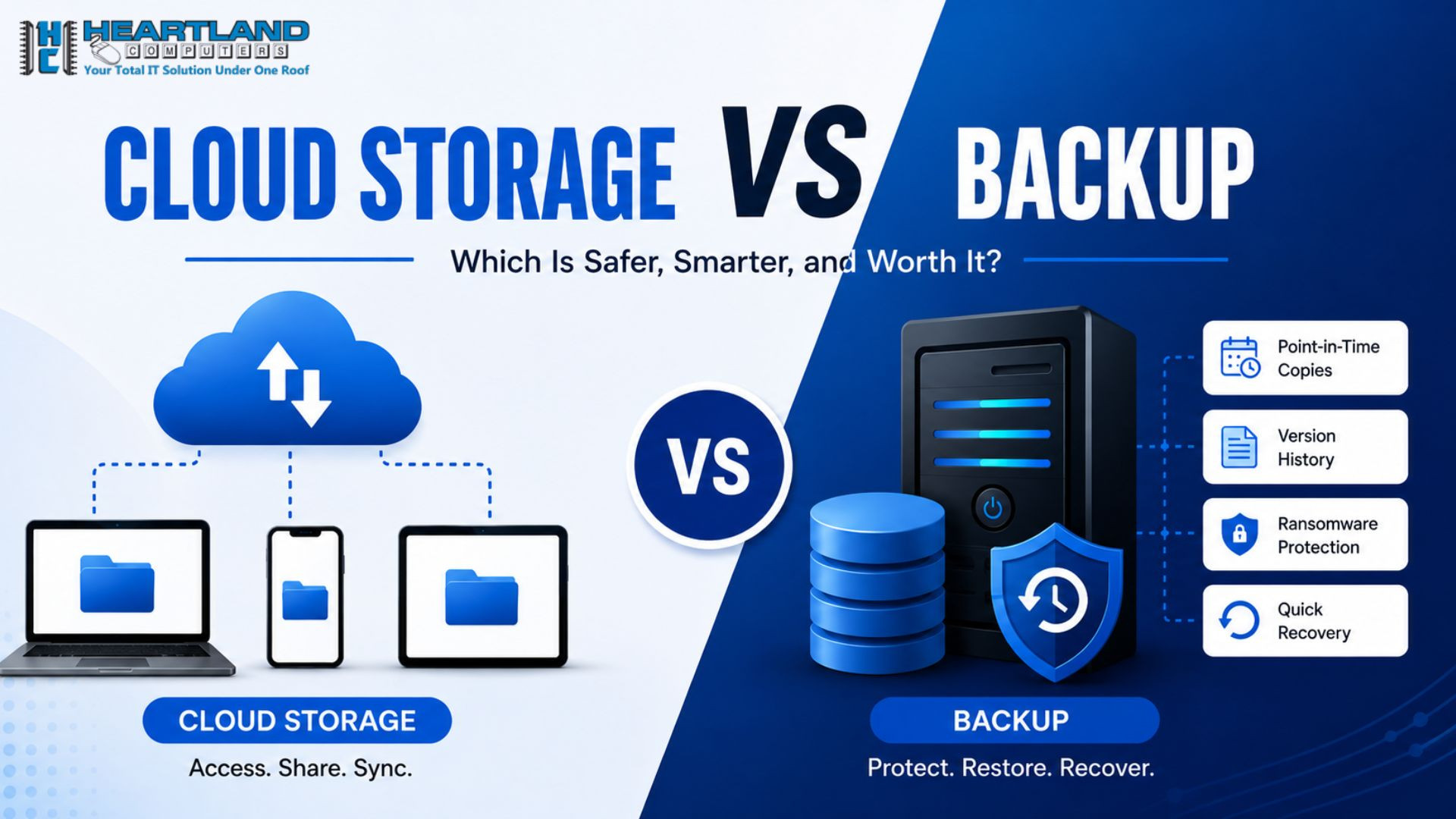
The primary distinction between backup and cloud storage is intent: backup is intended to recover older, unaffected copies of your data if something goes wrong, whereas cloud storage is intended for accessing and sharing current files.
This single distinction explains almost every practical difference between the two.
Sync vs Backup: Why It Matters
The issue that most business owners are unaware of until it's too late is that cloud storage sync differs from backup.
If a file on your computer is encrypted by ransomware and that folder is synced to the cloud, your good file in the cloud is also overwritten by the encrypted (corrupted) version, frequently in a matter of seconds. Now, your "backup" is also compromised.
By storing several previous versions of your files, backup solutions prevent this. Depending on your data retention settings, you can roll back to a clean copy from days or even weeks before the attack.
To put it succinctly, Sync safeguards convenience. Continuity is protected by backup.
Cloud Storage vs Backup Comparison Table
|
Feature |
Cloud Storage |
Backup |
|
Purpose |
Access & share files across devices |
Recover data after loss or attack |
|
Security |
Basic encryption, account-based access |
Advanced encryption, isolated/offsite copies |
|
Recovery Speed |
Slow for full system recovery |
Fast, built for full or partial restores |
|
File Versioning |
Limited or short-term |
Extended, often customizable retention |
|
Best Use Case |
Daily collaboration, file sharing |
Disaster recovery, ransomware recovery |
|
Cost |
Often low or bundled with subscriptions |
Moderate, based on data volume & retention |
|
Risk Level If Used Alone |
High- no true disaster protection |
Low but limited daily usability |
Pros and Cons of Cloud Storage
Pros:
- Easy real-time collaboration across teams
- Accessible from any device, anywhere
- Often included with business software subscriptions (like Microsoft 365)
- Low learning curve for employees
Cons:
- Sync errors and ransomware can overwrite good files
- Limited or no long-term version history
- Not designed for full system or server recovery
- Accidental deletions can sync across all devices
Pros and Cons of Backup Solutions
Pros:
• The ability to truly recover from disasters
• Several recovery locations guard against ransomware
• Able to recover complete systems rather than just specific files
• Complies with regulations regarding data retention and compliance
Cons:
- Not designed for daily file sharing or collaboration
- Requires setup and monitoring (ideally managed by IT professionals)
- Some solutions charge based on storage volume
Security, Ransomware Protection & File Versioning
Secure backup and secure cloud storage are not always synonymous. Cloud storage services often rely on account-level security, which means that your synced files could be accessed or corrupted if a hacker manages to obtain your login credentials.
Backup solutions built for business use typically add extra layers, including:
- Immutable backups (copies that can't be altered or deleted, even by ransomware)
- Encrypted storage, both in transit and at rest
- Isolated remote backup locations, separate from your main network
- Extended file versioning, so you can recover a file from before an infection occurs
Businesses require backup solutions with numerous restoration points, not simply the most recent synced version of a file, to truly recover from ransomware.
One of the best defenses against ransomware attacks is to have offline or isolated backups, according to the Cybersecurity and Infrastructure Security Agency (CISA). For additional information on recommended practices, see CISA's official ransomware guidelines.
Recovery Speed & Disaster Recovery Planning
The amount of downtime and revenue you lose in the event of a crisis depends on how quickly you recover.
Restoring individual files one at a time is usually the only option for cloud storage recovery, which can take hours or days if a lot of data is impacted. In contrast, backup systems may restore entire folders, servers, or systems in a fraction of the time because they are designed for bulk recovery.
A solid disaster recovery plan should answer three questions:
- How quickly can we restore critical data? (Recovery Time Objective)
- How much data can we afford to lose? (Recovery Point Objective)
- Where are our backups stored, and are they isolated from our main network?
A documented disaster recovery plan is a business continuity must if your company handles sensitive client data.
Cost Comparison: Cloud Storage vs Backup
Cost is often the deciding factor for small businesses, but it's important to compare based on value protected, not just monthly price.
- Cloud storage typically costs $5-$20 per user/month, often bundled with productivity software.
- Backup solutions typically cost $50-$300+ per month, depending on data volume, number of devices, and retention length.
Although backup is more expensive up front, think about the alternative: lost productivity, missed sales, and recovery work can cost small businesses thousands of dollars every day due to data loss. Backup is more than simply a storage cost; it's an investment in business continuity.
Which One Does Your Small Business Actually Need?
The honest answer: it depends on how you use your data but almost every business needs both.
Real-World Example Scenarios
- A marketing agency sharing design files with clients daily → needs cloud storage for collaboration, plus backup to recover client work if a laptop is stolen or infected.
- A medical or legal office handling sensitive records → needs backup with strict data retention and compliance-ready security, alongside limited cloud storage for internal file sharing.
- A retail business running point-of-sale and inventory systems → needs automated backup of transactions and inventory data, since cloud storage alone can't restore a crashed system.
Why Most Small Businesses Need Both
Cloud storage and backup solve different problems, and relying on only one leaves a gap:
- Cloud storage without backup means one ransomware infection or sync error can wipe out your working files.
- Backup without cloud storage means your team may struggle with real-time collaboration and file sharing.
The most effective data security approach combines both: automatic, versioned backup for real disaster recovery and cloud storage for everyday productivity. Convenience and business continuity are supported by this combination, allowing your team to function effectively now while being safeguarded against the worst-case situation for tomorrow.
How Heartland Computer Can Help
It shouldn't be difficult to decide between cloud storage and backup, and you don't have to do it alone. At Heartland Computer, we assist small businesses in creating data security plans that incorporate automated backup, secure cloud storage, and disaster recovery planning according to your sector, financial constraints, and degree of risk.
Our staff can assist you in filling in the gaps before they become expensive issues, whether you require a complete backup solution set up from scratch or an assessment of your existing cloud storage configuration.
FAQs
1. Is Google Drive or Dropbox considering a backup?
No, Dropbox and Google Drive are not actual backup solutions; rather, they are cloud syncing and storing utilities. They don't have the isolated recovery points and extensive version history required to consistently restore data following ransomware or unintentional deletion.
2. What's the difference between sync and backup?
All connected devices' files are immediately updated in real time via Sync, including any errors or viruses. Backup makes distinct, point-in-time copies so you may recover a pristine version prior to an issue.
3. Do small businesses really need backup if they already use the cloud?
Indeed. Convenience and accessibility are safeguarded by cloud storage, but full system recovery and protection against ransomware overwriting synced files are not provided. That gap is filled by backup.
4. How often should a small business back up its data?
Most small firms should employ automated backups at least once a day, with key systems backed up more regularly (hourly in some circumstances) depending on the amount of data loss the company can take.
5. What is a disaster recovery plan, and does my business need one?
A disaster recovery plan describes how your company will recover data and systems following an outage, cyberattack, or hardware failure. Any company that relies on digital data, which is almost all of them, benefits from having one in writing.
6. Can ransomware infect cloud storage files?
Yes. If an infected file is synced to your cloud storage account before detection, the corrupted version can overwrite the clean one, impacting all linked devices.
7. How much should a small business budget for backup and cloud storage be combined?
Costs vary according to business size and data volume, but many small firms budget $75-$350 per month for a combined cloud storage and backup solution, depending on retention requirements and the number of users.
8. What's the best backup solution for a small business?
The most effective solution is determined by your industry, data volume, and regulatory requirements. A managed IT provider can evaluate your current configuration and offer automated, secure backup with the proper retention and recovery speed for your company.
Conclusion
When it comes to cloud storage vs backup for small businesses, the winner isn't always one or the other; it's about understanding what each is used for. Cloud storage helps your team stay connected and productive. Backup keeps your business running when things go wrong. Relying solely on cloud storage creates a critical gap in your data protection plan, particularly against ransomware and hardware failure.
The best option for most small organizations is to combine both: safe cloud storage for daily tasks and automated, versioned backup for true disaster recovery and business continuity.
Not sure if your current setup would survive a real data loss event?
Contact Heartland Computer today for a free consultation, and we'll help you create a data protection strategy that works for your company, your budget, and your peace of mind.
Sources
https://csrc.nist.gov/pubs/sp/800/34/r1/final
https://www.cisa.gov/stopransomware
Disclaimer: This article is for general informational purposes only and does not constitute professional IT, cybersecurity, or legal advice, consult a qualified IT provider before making data protection decisions for your business.



















Join the conversation
Questions about this article? Ask below — our team reads every comment.