Rating based on 303 Reviews
- Call : 800-257-9505
- Location
- Login
- Register

Network Connectivity Repair
3 Step 3 of 3 · Almost done
Book this repair
Schedule your repair
Review the repair details below, then pick a time that works for you.
Price
Contact us for more detail.
Estimated time
Vary
Warranty
Contact us for more detail.
About this repair
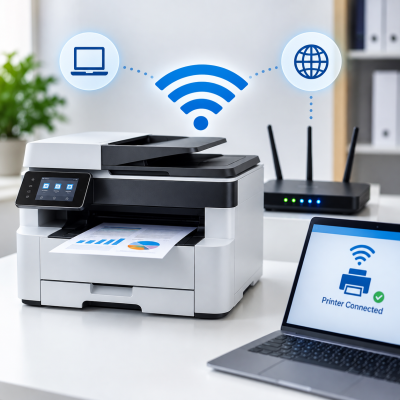
A printer that won’t connect to Wi-Fi or your network can disrupt printing from multiple devices throughout your home or office. Connection problems may be caused by incorrect network settings, router issues, outdated firmware, or printer configuration errors. We diagnose the network connection and printer settings, identify the underlying issue, and make the necessary adjustments to restore stable, secure, and dependable connectivity. We also test printing from connected devices to ensure everything is working properly again.
Our evaluation may include:
- Confirming that the printer’s wireless function is enabled
- Checking Wi-Fi signal strength and connection stability
- Verifying the correct network name and security settings
- Confirming that the printer and devices use the same network
- Checking compatibility with available Wi-Fi bands
- Testing the printer’s network connection and status report
- Reviewing the printer’s IP address and DHCP configuration
- Checking for changing, duplicate, or conflicting IP addresses
- Testing communication between the printer and router
- Reviewing guest-network or device-isolation settings
- Checking router security and wireless compatibility
- Restarting and reconnecting the printer when appropriate
- Resetting damaged or incorrect printer network settings
- Reviewing printer firmware and manufacturer software
- Checking, updating, or reinstalling printer drivers
- Removing outdated or duplicate printer installations
- Reviewing firewall, security, and permission settings
- Configuring supported mobile-printing features
- Testing printing from compatible computers, phones, and tablets
- Checking scan-to-computer and other network features when available
Schedule your appointment
Fields marked * are required. It only takes a minute.
Our Partners



















Currently offline
Computer trouble? We'll fix it live — right on your screen.
Our technicians are currently offline, but help is only a phone call away. Contact us in our office hour.
Contact Us: 402-502-7040
We'll get back to you shortly